

Prerequisites
Choose your setup method:Without Docker
Ensure these are installed:With Docker
Install Docker from Docker’s official website.Quick Start Guide
Install the package
Before proceeding, make sure you have the Embedchain package installed.Setting Up
For the purpose of the demo, you have to setOPENAI_API_KEY to start with but you can choose any llm by changing the configuration easily.
Installation Commands
What Happens Next?
- Embedchain fetches a full stack template (FastAPI backend, Next.JS frontend).
- Installs required components.
- Launches both frontend and backend servers.
See It In Action
Open http://localhost:3000 to view the chat UI.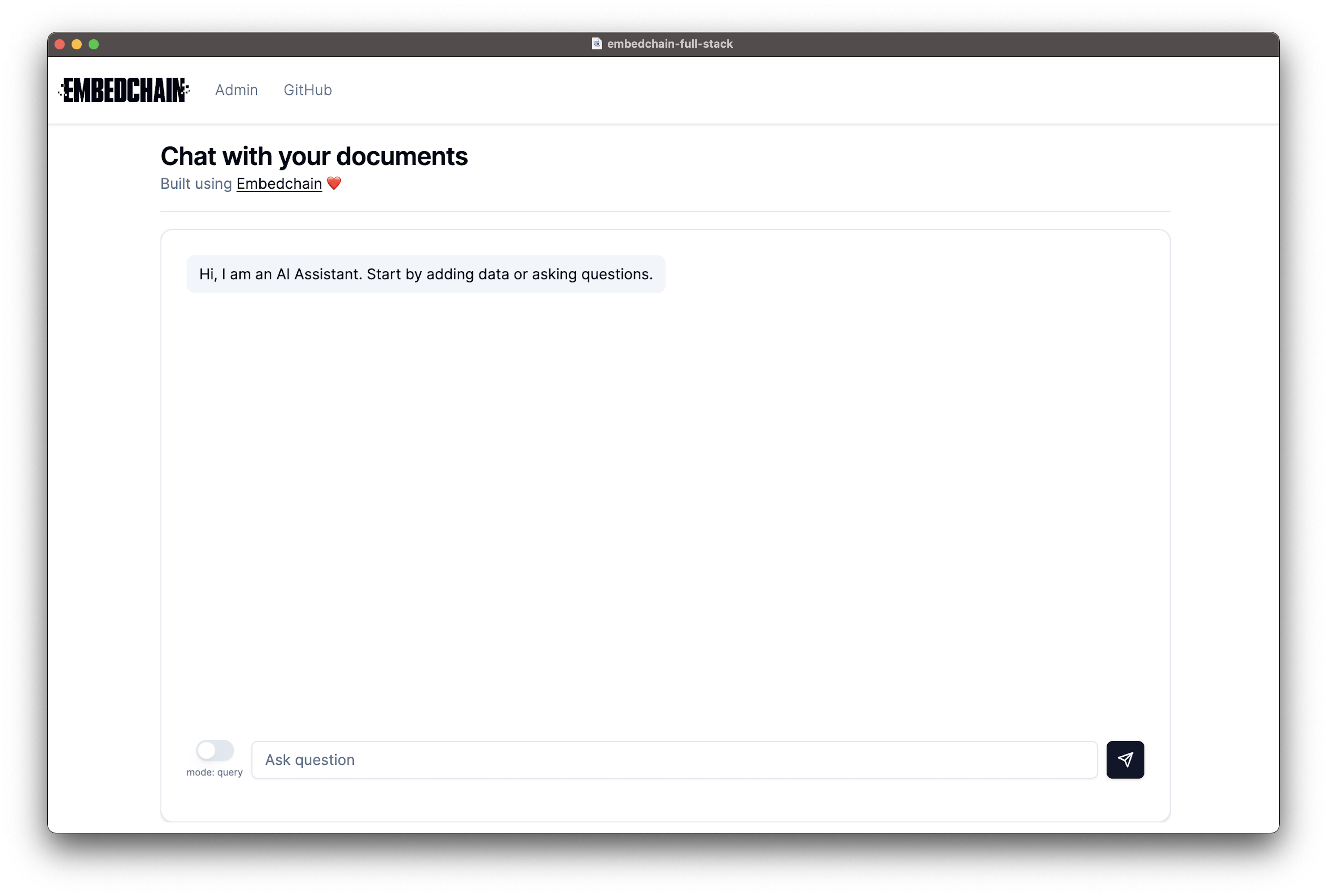
Admin Panel
Check out the Embedchain admin panel to see the document chunks for your RAG application.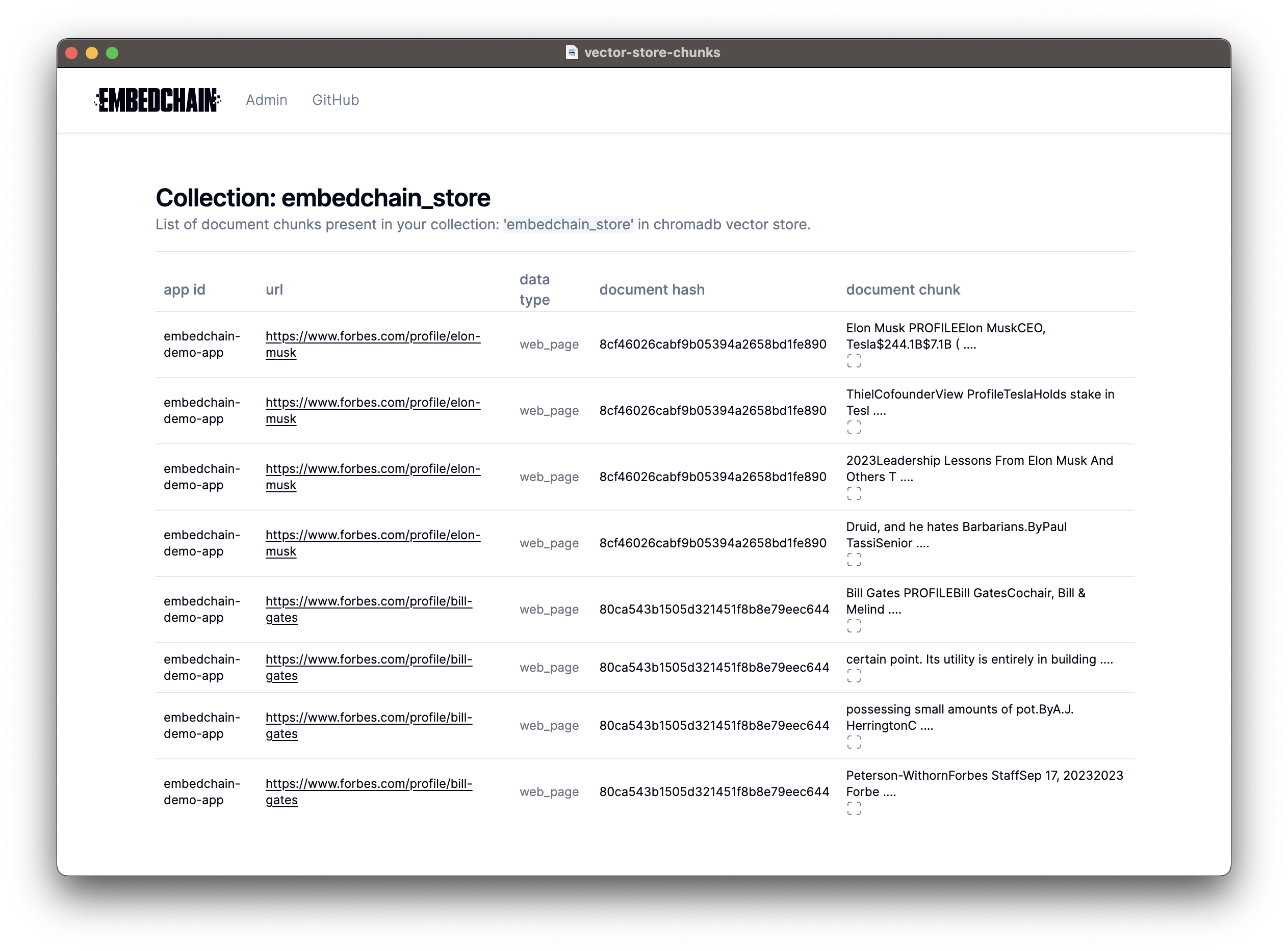
API Server
If you want to access the API server, you can do so at http://localhost:8000/docs.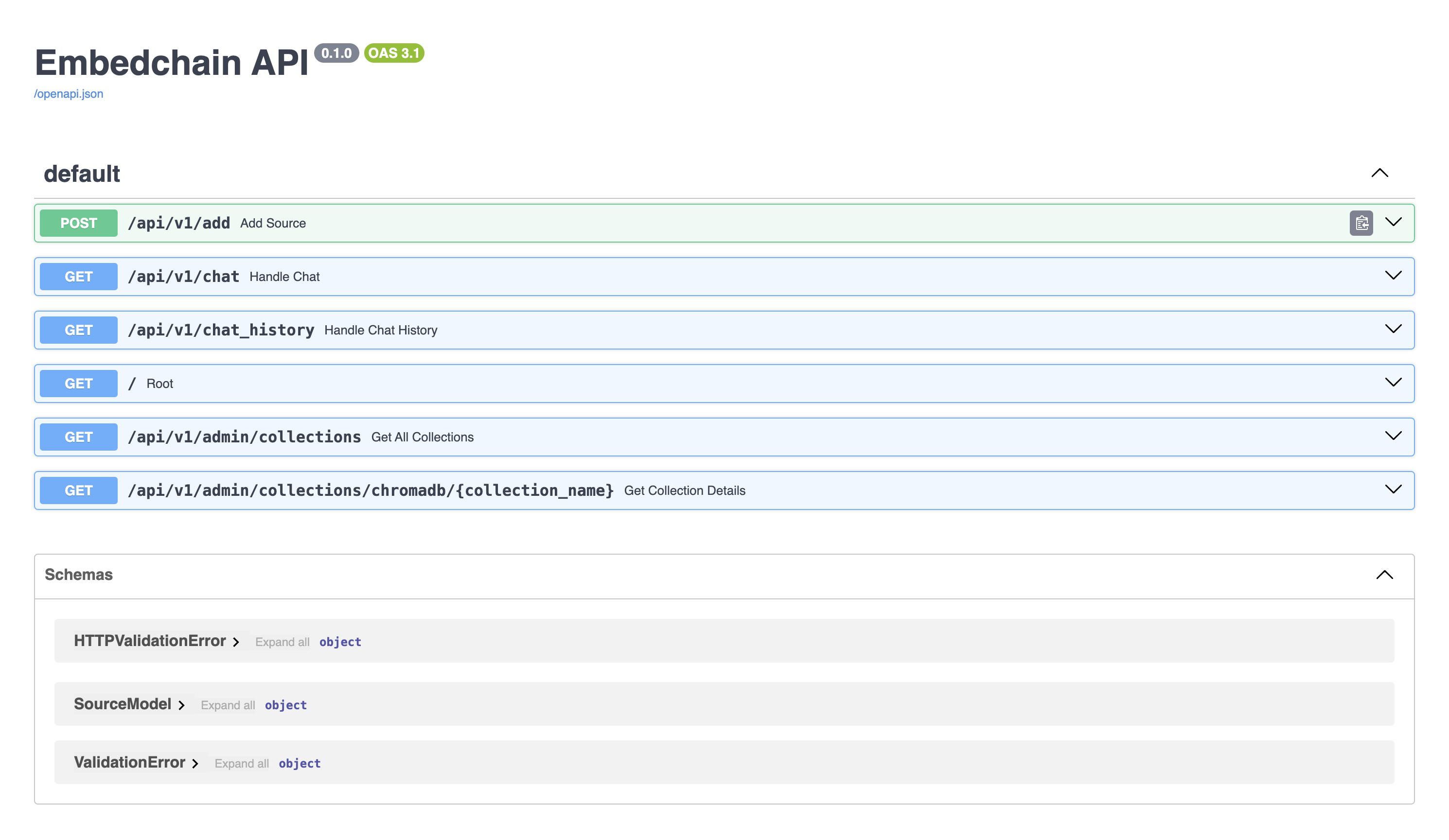 You can customize the UI and code as per your requirements.